A personal dashboard for your projects folder
A self-hosted welcome board, select any directory where your work lives and it'll track git state, the stack, your AI usage and much more.
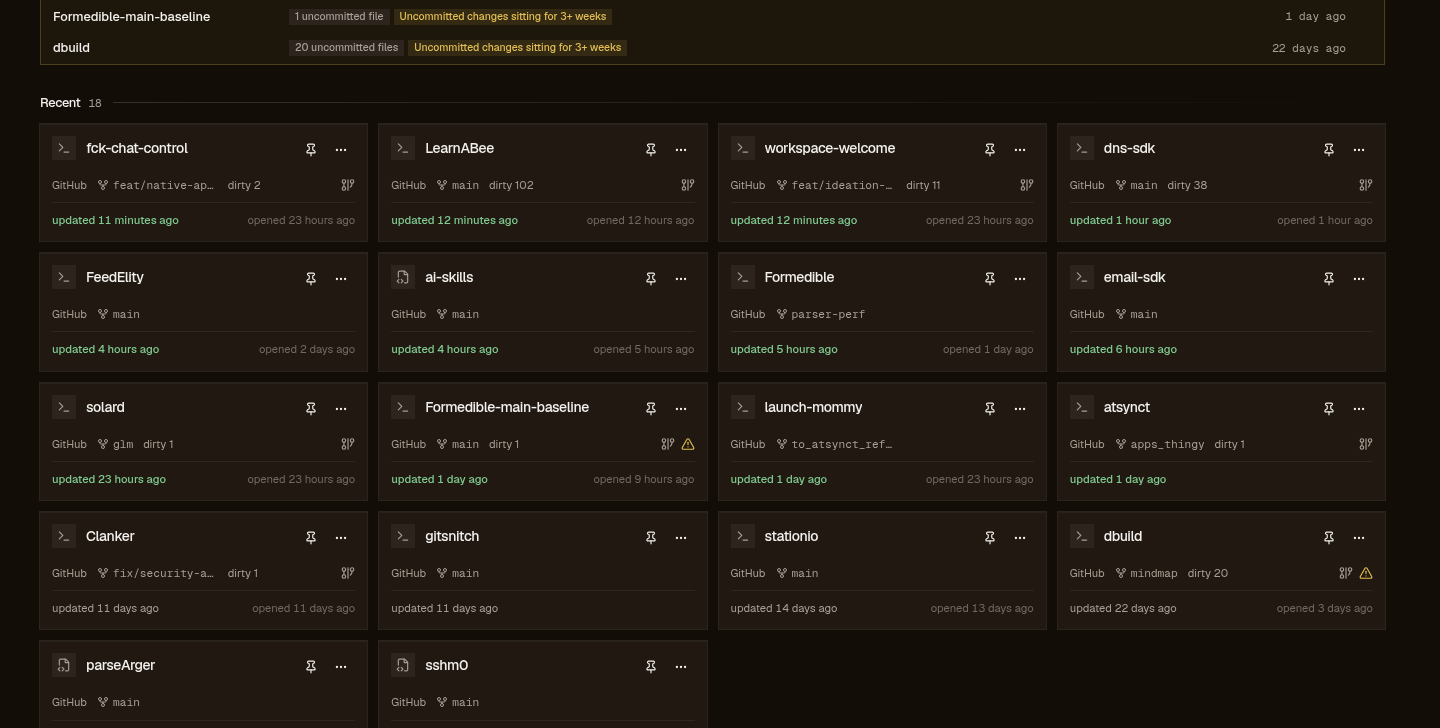
You add the folder
Its immediate subdirectories become the projects, no recursion; the scanner reads them and never writes into your repos.
A per-project fingerprint (directory mtime, .git/HEAD, .git/index, a git status --porcelain hash) means a warm rescan re-reads only what moved.
~/workspace/kiln
  branch    forge-sqlite · 2 dirty
  last      2h ago
  remote    github.com:DimitriGilbert/kiln
  stack     node · pnpm
  alert     WRN stale-wip
The board fills in
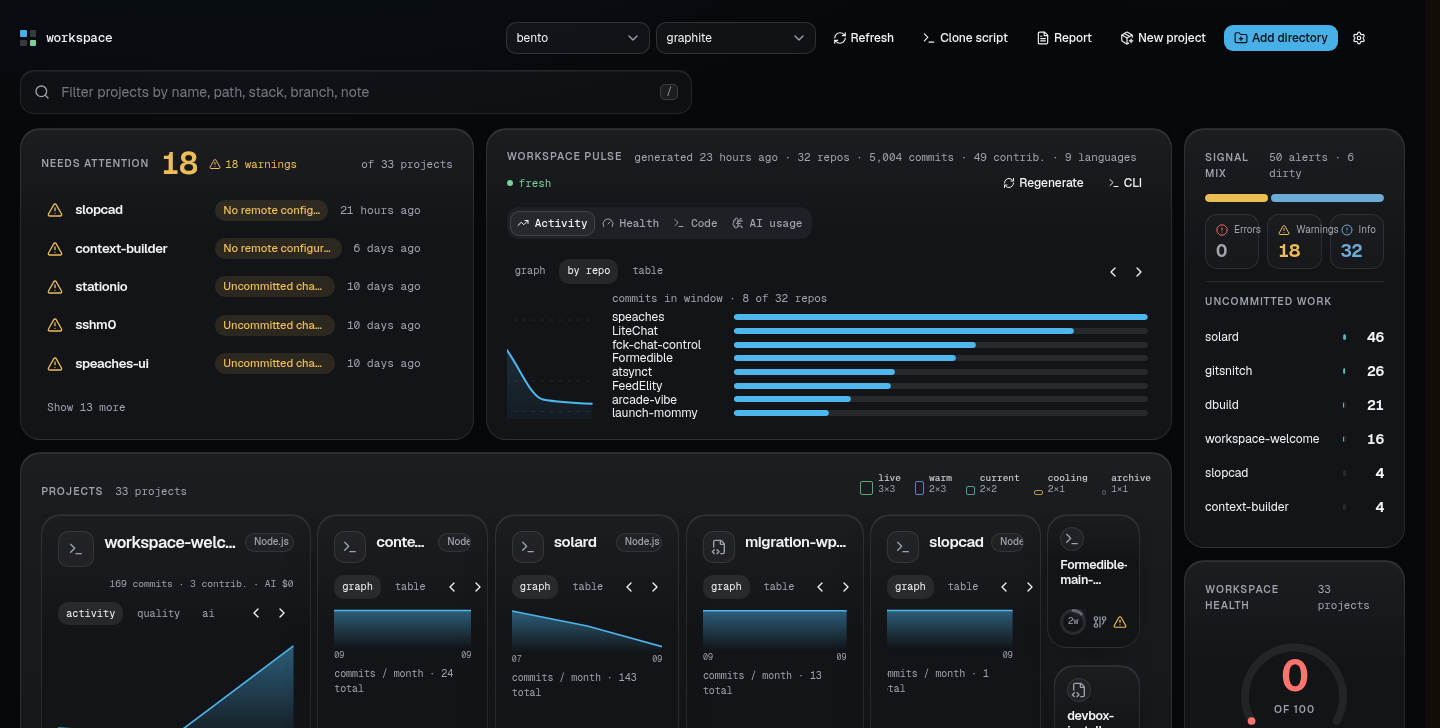
Every project carries a recency LED that cools over roughly 90 days. The git state turns into seven health alerts (diverged, no-remote, unpushed, dirty, stale-wip, behind, dormant) with the loud ones rolled to the top.
Press / anywhere to filter by name, path, stack, branch, remote, or a note you left yourself.
Your forge work joins the board
Repos with a GitHub remote bring their open issues and PRs along, and the feed pulls yours from every repo, workspace or not. The fetch runs through your own gh CLI when you press Sync (five-minute floor per repo, one fetch at a time) and lands as a sqlite snapshot, so rendering never spends your rate limit.
Open a project
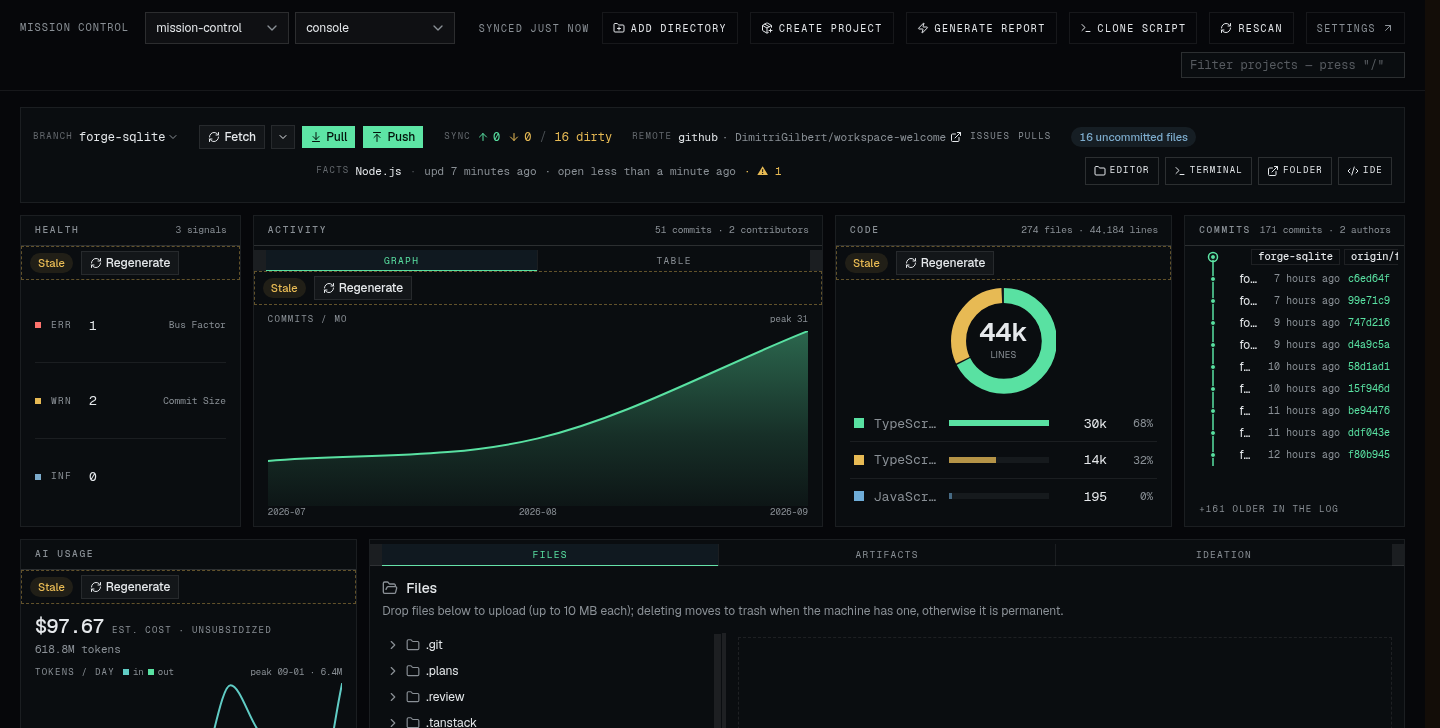
Any project opens into its own page: a note field for where you left off, fetch / pull / push, a branch switcher that probes before it clobbers anything, a file browser that cannot escape the project folder, build artifacts, an AI interview that writes a PRD and plan into docs/, and a browser IDE.
Ground rules
- Local
- Everything the app remembers sits in one sqlite file under your XDG data dir. No accounts, no cloud.
- Your own gh
- The only network the app does is forge sync, through the GitHub CLI you are already logged into. No embedded tokens, no proxy.
- Sync is a button
- Nothing polls or fetches on page load, and the server enforces the five-minute floor even if you hammer it.
- No fake numbers
- Counts render as 50+ at the page cap, Never synced before the first sync, stale after an hour. A repo with no data never renders as an empty one.
- The board keeps growing
- Panels ship over time; the ones you have drag, resize, and shed, and the arrangement persists.
Mine, today
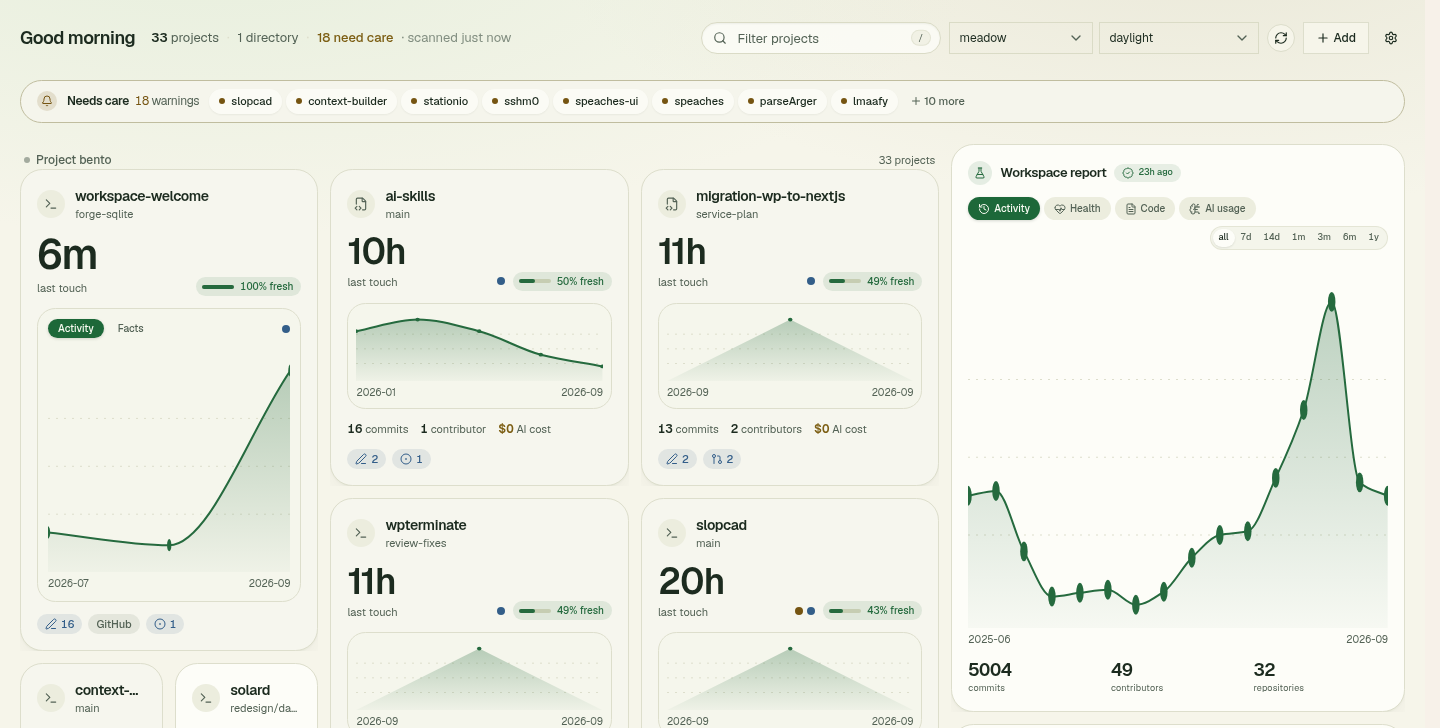
I built this for a folder of thirty-odd repos, half of them with weeks-old uncommitted changes and three with no remote.
These are my real boards: I keep mission-control on dark, bento is the loose grid, meadow is the daylight scheme. Yours will carry your projects, arranged your way.
Install
curl -fsSL https://welcome-workspace.dbuild.dev/install.sh | sh
Node 22+, git, and curl or wget. The script verifies the download against the release's SHA256SUMS.txt, installs to ~/.local/share/workspace-welcome, and starts a systemd user service on Linux; read it first if that is your habit.